
Google Meet Room Installation
Setting up Google Meet Rooms is a critical step for businesses seeking seamless virtual collaboration, and Boston Conference Room Audio Video Solutions delivers the expertise needed to make it happen. By transforming physical conference spaces into dedicated video conferencing hubs, organizations can enhance communication and boost productivity. Combining reliable hardware with intuitive software, our Google Meet Room installations provide an enriched user experience—ensuring crystal-clear audio, sharp video quality, and efficient meeting controls. As remote work and global collaboration continue to grow, equipping your workspace with the right tools becomes essential for maintaining professional, high-quality interactions.
Brief Overview
Transforming workspaces into Google Meet rooms enhances productivity and collaboration through seamless video communication. By integrating advanced Google Workspace tools and specialized hardware, businesses achieve high-quality audio and visual performance, essential for efficient meetings. The setup involves meticulous planning, focusing on strategic placement of components and ensuring robust network connectivity. Regular maintenance and updates through the Google Admin console are crucial for maintaining optimal functionality. By investing in a tailored Google Meet installation, organizations can foster a more cohesive and effective remote working environment, vital for success in the digital age.
Key Highlights
- Google Meet Room Installation enhances communication and productivity by transforming workspaces into dynamic video conferencing hubs.
- Integration with Google Workspace ensures seamless video conferencing, improving team collaboration and decision-making processes.
- Key components include video bars and microphones, optimized for varying room sizes to ensure clarity and efficiency during meetings.
- Effective configuration via the Google Admin console enhances security and video conferencing quality, supporting global connectivity.
- Consistent maintenance and updates of Google Meet hardware ensure long-term functionality and integration with corporate systems.
Google Meet Room Installation Overview

Setting up a Google Meet room transforms any workspace into a dynamic hub for seamless video communication. With the right hardware and setup, businesses can optimize productivity and enhance collaboration. Utilizing Google Workspace and specific Meet hardware allows for better audio-visual integration. Each Google Meet room installation is a step towards empowering enterprise environments with streamlined communication solutions. Dive into the purpose and benefits of a professional Google Meet room and explore its key components to ensure an effective setup that meets organizational needs.
Comprehensive AV Services in Boston, MA
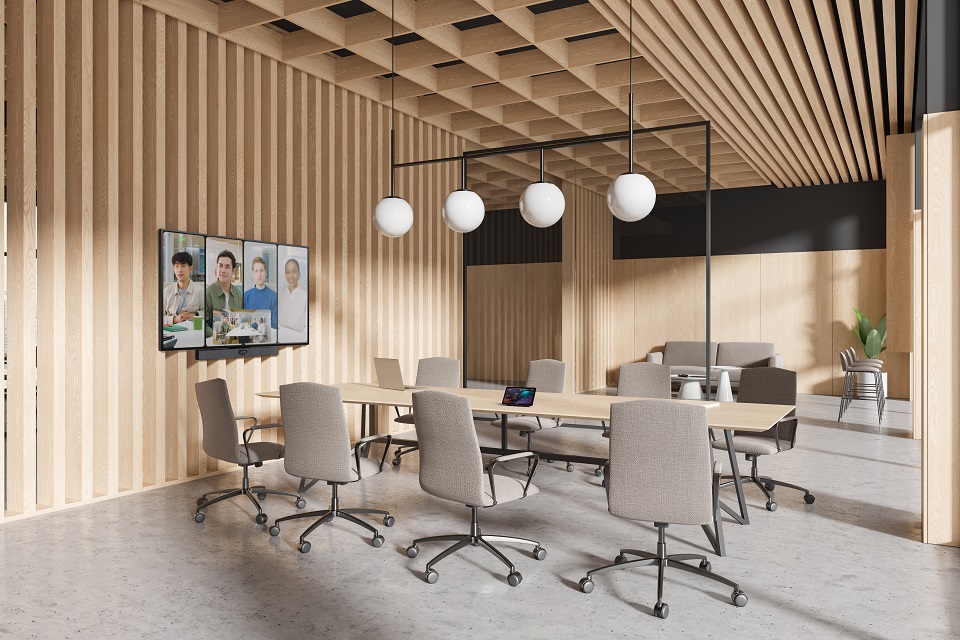
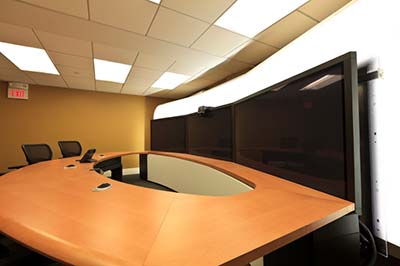

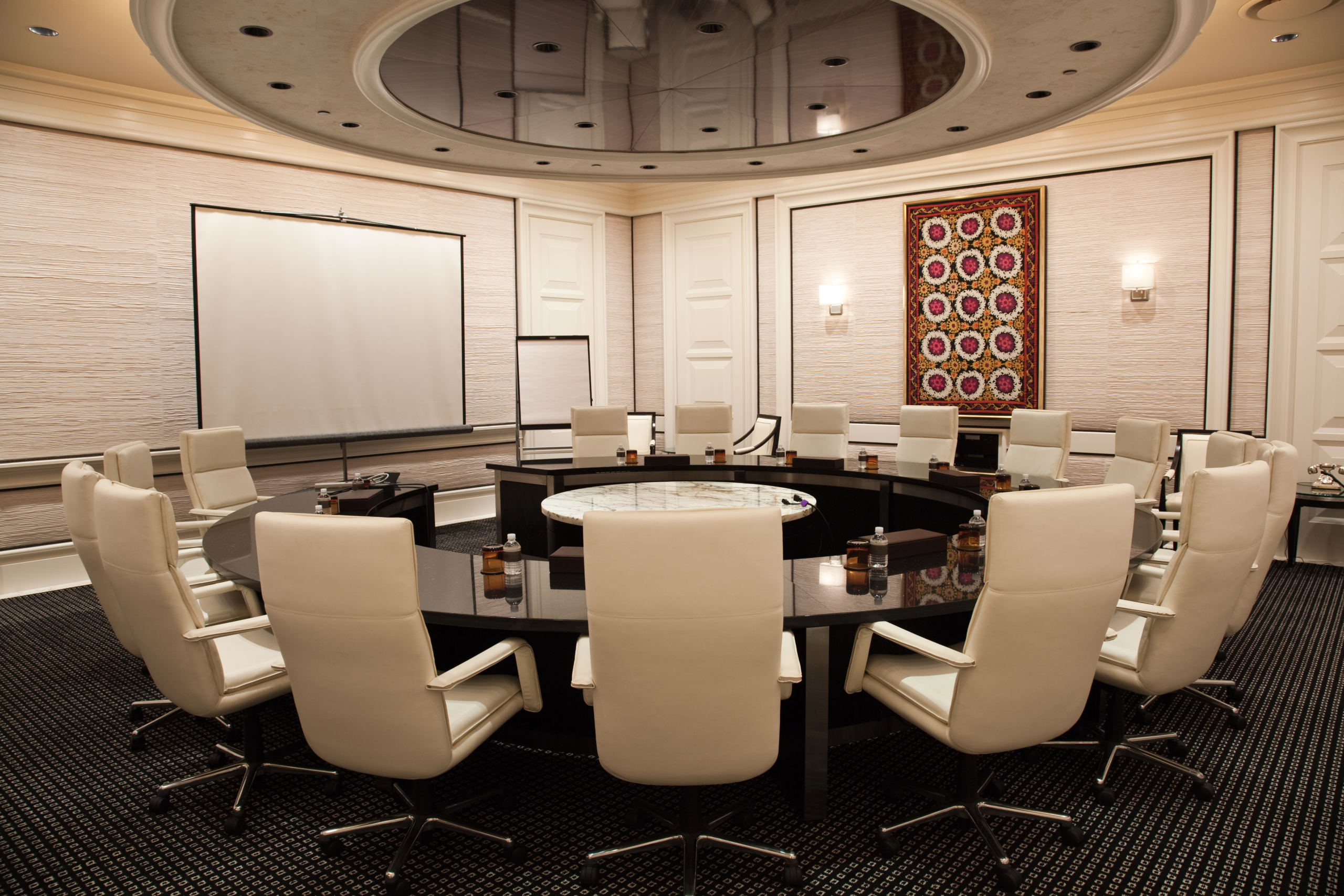
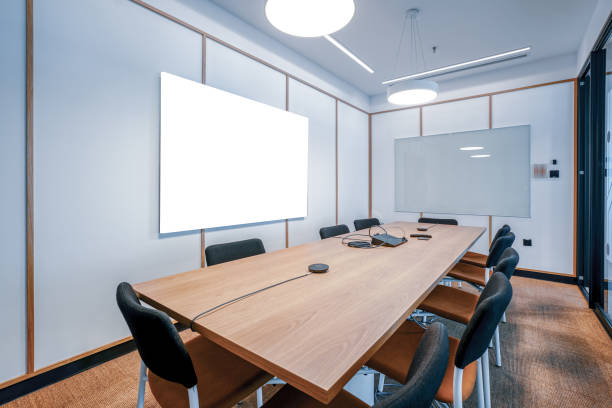
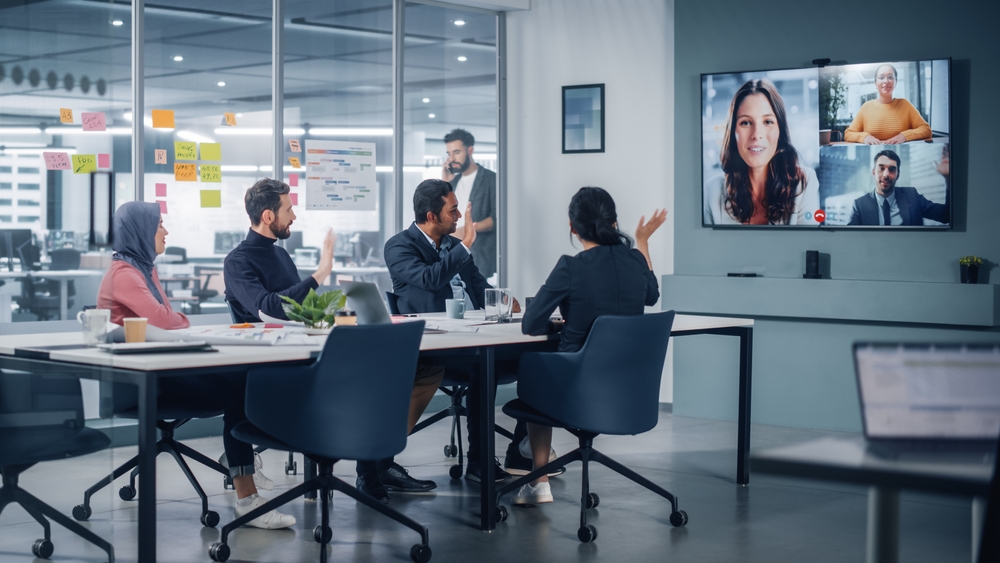
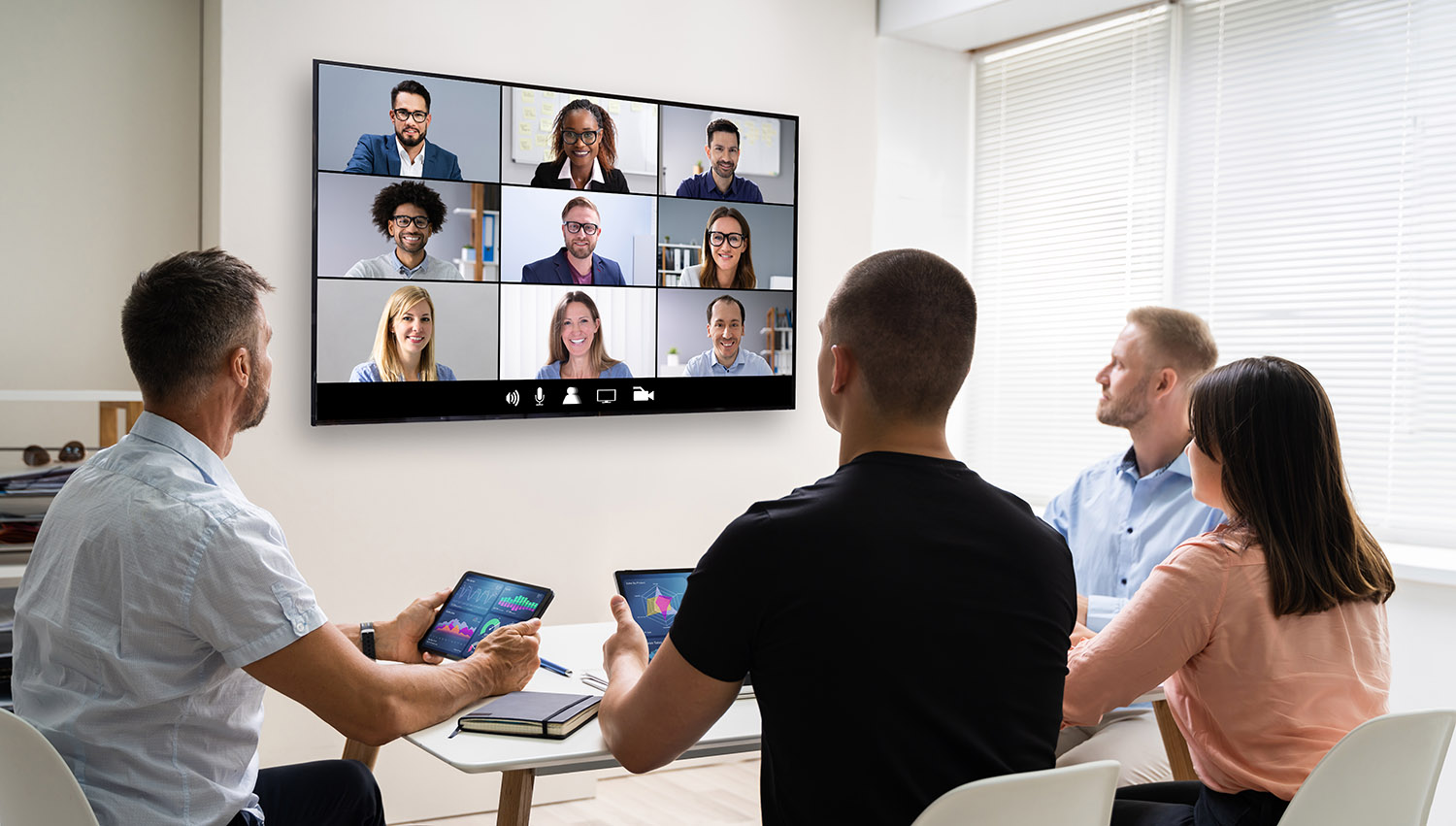
Google Meet Room Setup Guide
Transforming a workspace into a Google Meet room involves meticulous planning and execution. This setup guide covers essential steps, from creating a checklist before installation to optimizing your hardware configuration. By integrating Google Workspace and Meet hardware effectively, organizations can enhance their video conferencing experiences. Discover how tools like the Google Admin console and devices such as video bars and Logitech Rally systems contribute to a seamless setup.
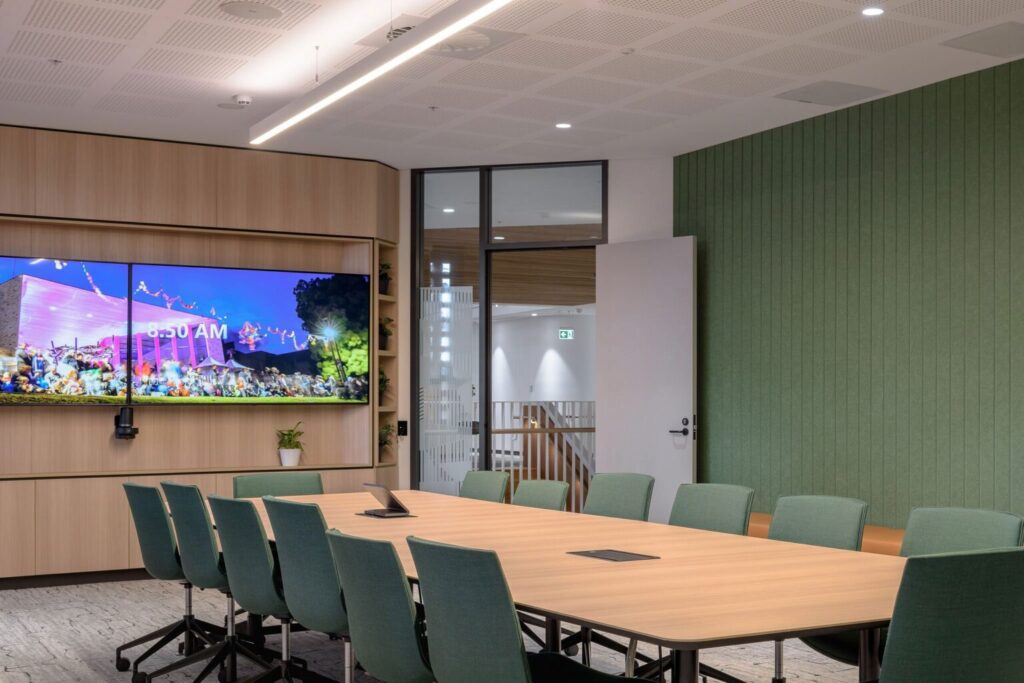
Final Preparatory Steps Before Installation:
- Confirm all devices are unboxed and checked for damage or missing parts.
- Verify network cables and power sources are sufficient and in proximity.
- Plan for any necessary cable management solutions to maintain a tidy environment.
- Label all equipment and cables to avoid confusion during installation.
- Arrange for technical support to be available during setup, if possible.
- Double-check that all software is up-to-date and compatible.
- Schedule a final walkthrough with stakeholders to ensure setup meets expectations.
Taking these steps will help create an optimized and efficient installation process.
Transitioning from the fundamentals of Google Meet hardware configuration, there are essential practices to enhance your setup’s efficiency and security:
- Position video bars for optimal participant visibility and enhanced engagement.
- Strategically distribute mic pods to reduce echoes and capture clear audio.
- Use the Google Admin console for remote device management and updates.
- Opt for wall mounts to preserve space and maintain a tidy environment.
- Consider pod mounts for flexible mic reconfiguration based on room dynamics.
- Regularly review security settings, focusing on data encryption and network protection.
- Plan for scalability to accommodate organizational growth efficiently.
These practices ensure your Google Meet rooms are both effective and secure.
We Provide Services Near Boston, MA
- Chelsea, MA
- Cambridge, MA
- Somerville, MA
- Everett, MA
- Brookline, MA
- Concord, MA
- Revere, MA
- Malden, MA
- Medford, MA
- Lincoln, MA
- Arlington, MA
- Belmont, MA
- Melrose, MA
- Milton, MA
- Quincy, MA
- Newton, MA
- Waltham, MA
- Woburn, MA
- Burlington, MA
- Lexington, MA
- Canton, MA
- Dedham, MA
- Dover, MA
- Needham, MA
- Wellesley, MA
- Acton, MA
- Bedford, MA
- Braintree, MA
- Weymouth, MA
- Peabody, MA
- Wakefield, MA
- Stoneham, MA
- Wilmington, MA
- Reading, MA
- North Reading, MA
- Lynn, MA
- Salem, MA
- Marblehead, MA
- Gloucester, MA
- Ipswich, MA
- Danvers, MA
- Medfield, MA
- Milford, MA
- Natick, MA
- Framingham, MA
- Marlborough, MA
- Hopkinton, MA
- Hudson, MA
- Littleton, MA
- Winthrop, MA
- Watertown, MA
- Sudbury, MA
- Wayland, MA
- Norwood, MA
- Sharon, MA
- Walpole, MA
- Bellingham, MA
- Foxborough, MA
- Rockland, MA
- Scituate, MA
- Norwell, MA
- Hingham, MA
- Holliston, MA
- Millis, MA
- Wenham, MA
- Topsfield, MA
- Rockport, MA
- Lynnfield, MA
- Randolph, MA
- Maynard, MA
- Norfolk, MA
- Medway, MA
- Wrentham, MA
- Somerset, MA
- Saugus, MA
- Amesbury, MA
- Ashland, MA
- Avon, MA
- Boxborough, MA
- Boxford, MA
- Carver, MA
- Clinton, MA
- Cohasset, MA
- Dracut, MA
- Dunstable, MA
- Fitchburg, MA
- Essex, MA
- Gardner, MA
- Georgetown, MA
- Groveland, MA
- Halifax, MA
- Hanover, MA
- Hanson, MA
- Kingston, MA
- Lancaster, MA
- Middleborough, MA
- North Andover, MA
- Northborough, MA
- Plympton, MA
- Northbridge, MA
Steps During Google Meet Deployment
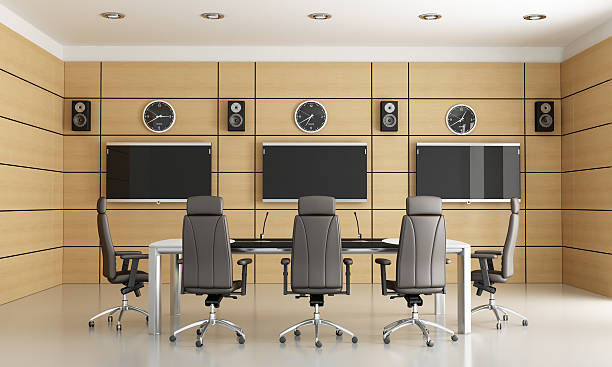
Deploying a Google Meet room involves several crucial steps to ensure the optimal functionality of video conferencing capabilities. It starts with configuring the room settings to align with business needs, followed by rigorous testing of Google Meet’s functionality. These steps integrate Google Workspace and meet hardware from brands like Logitech, providing streamlined communications. Managing the setup through the Google Admin console ensures control and flexibility, while strategic hardware installation, such as video bars and mic pods, tailors the space for seamless interaction
Maintaining Your Google Meet Room
Ensuring your Google Meet room is fully operational requires consistent maintenance and attention to detail. Regular checks and updates to your hardware are essential for keeping communication smooth and effective. Utilizing resources like the Google Admin console and staying up-to-date with the latest Google Workspace tools will optimize your meeting environment.
| Category | Task | Tools/Components | Purpose |
|---|---|---|---|
| Audio | Check Microphones | Microphones, Audio Interface | Ensure clear sound transmission. |
| Video | Test Cameras | Webcam, Lighting Setup | Maintain quality video feed. |
| Connectivity | Verify Internet Connection | Router, Ethernet Cable | Prevent disconnections and lag. |
| Software | Update Google Meet | Software, Computer | Access latest features and fixes. |
| Environment | Organize Space | Desk, Chair, Background | Create a professional setting. |
Periodic Hardware Checks and Updates
Regularly conducting hardware checks and updates is essential for maintaining the efficiency and reliability of your Google Meet room. Begin with a strategic schedule for inspections, focusing on critical components like video bars and microphones. Devices such as the Logitech Rally bar and mic pods require periodic checks to ensure peak performance. Inspect all connections and mounts, including wall mounts, pod mounts, and table mounts, for stability to prevent unexpected disconnections during crucial meetings. Special attention should be given to power supplies and network connectivity. These elements are vital for keeping meet hardware operational, aligning with Google Workspace’s requirements for seamless integration and usage.
| Maintenance Task | Focus Area | Tools/Methods | Frequency |
|---|---|---|---|
| Update Software | System Reliability | Auto-Update Settings | Weekly |
| Check Audio/Visual Equipment | Hardware Functionality | Manual Testing | Before Each Meeting |
| Review Security Settings | User Access | Security Protocols | Monthly |
| Clear Cache & Cookies | System Performance | Browser Settings | Bi-Weekly |
| Test Internet Connection | Connectivity | Speed Test Tools | Before Each Meeting |
This table outlines essential maintenance activities necessary for ensuring the reliability and performance of a Google Meet room.