
Microsoft Teams Room Installation: Expert Installation for Teams
At Boston Conference Room Audio Video Solutions, seamless communication is at the heart of every successful organization, and the integration of Microsoft Teams Rooms offers a powerful tool for enhancing collaboration. Whether your team is in the office or working remotely, professional installation ensures that every feature operates at peak efficiency. By entrusting experts with the setup process, users can expect a fully optimized environment conducive to effective meetings and smooth interactions. This streamlined installation process combines cutting-edge technology with user-friendly interfaces, making it an indispensable asset for businesses seeking reliable and efficient communication solutions.
Brief Overview
Integration of Microsoft Teams Rooms enhances organizational communication by providing a seamless, professional environment for meetings. Expert installation ensures that every aspect, from audio-visual equipment to network compatibility, is optimized for peak performance. By utilizing cutting-edge technology and strategic room setup, businesses can improve productivity and collaboration. This approach not only supports efficient system operations but also safeguards against security threats, fostering a reliable digital workspace for future growth.
Key Highlights
- Professional installation of Microsoft Teams Rooms enhances collaboration and ensures all features operate efficiently.
- Essential equipment includes a room console and display, crucial for optimal Teams Room performance.
- Proper installation media preparation is vital for effective Teams Rooms deployment and configuration.
- Network compatibility and security are crucial for optimal performance and safeguarding corporate infrastructure.
- Strategic room layout enhances user experience by ensuring accessibility and sound quality in Microsoft Teams Rooms.
Understanding Teams Room Installation

Mastering Microsoft Teams Room installation is vital for seamless meeting room integration. The setup ensures consistent audio-visual collaboration, using teams devices like the room console and room display. Whether it’s a small office or a corporate environment, deploying a Microsoft Teams system improves productivity by streamlining communication. Teams rooms require specific equipment, tailored for optimal performance and reliability. From room audio to room devices, setup is crucial for effective operations. With precise installation, you’ll harness the full potential of Microsoft Teams, ensuring meetings are efficient and engaging. Explore the minimum equipment needed for a successful Teams Room setup.
| Equipment Type | Required Devices | Functionality | Integration Tips |
|---|---|---|---|
| Display | Screen/Monitor | Visual output for meeting content | Ensure compatibility with video conferencing software |
| Audio Hardware | Microphone and Speaker | Clear audio for communication | Position microphones for optimal voice pickup |
| Video Camera | HD Camera | Visual input for remote participants | Adjust camera angle for full room coverage |
| Control Console | Touchscreen Device | Central control of meeting features | Configure for easy access to call management functions |
This table outlines the essential components and considerations for setting up a Microsoft Teams Room, promoting efficient and seamless meetings.
Comprehensive AV Services in Boston, MA
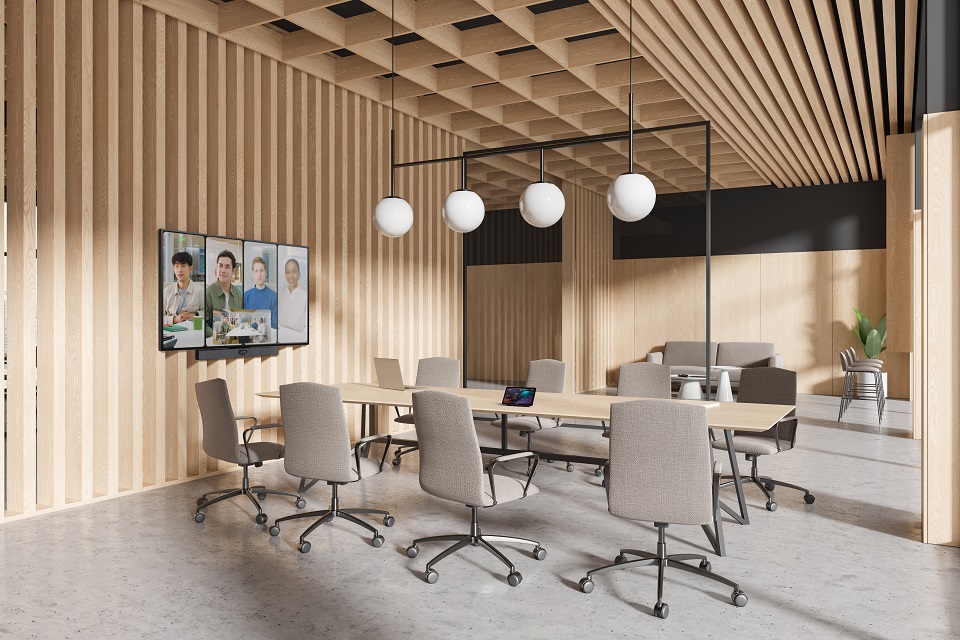
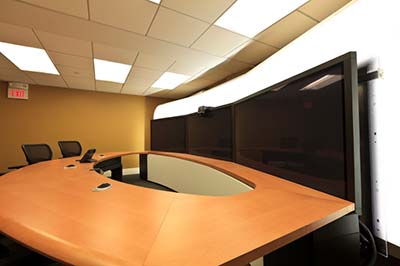

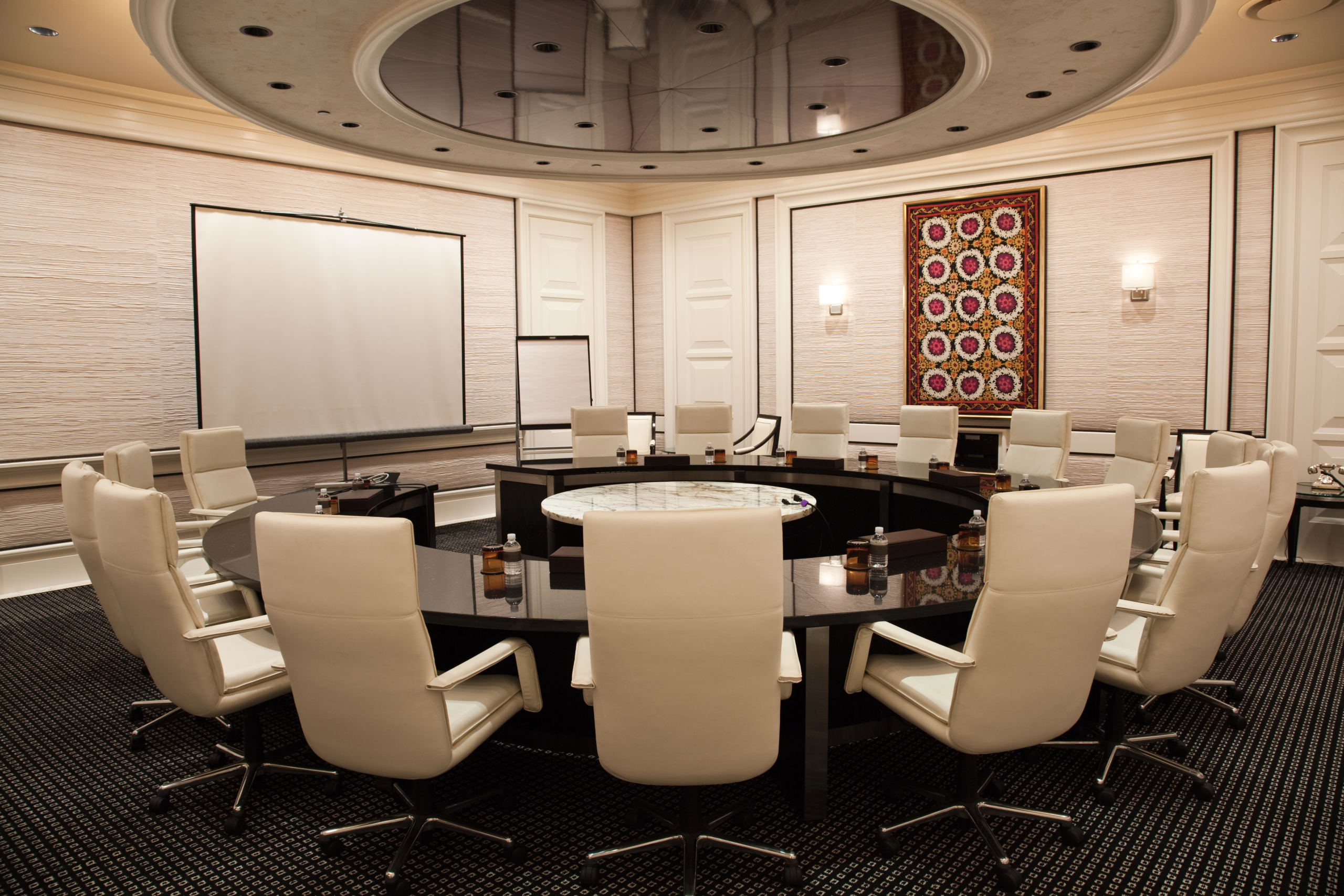
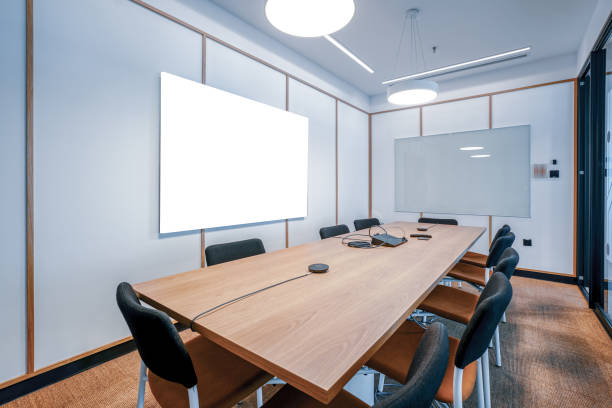

Preparing Installation Media for Teams Rooms
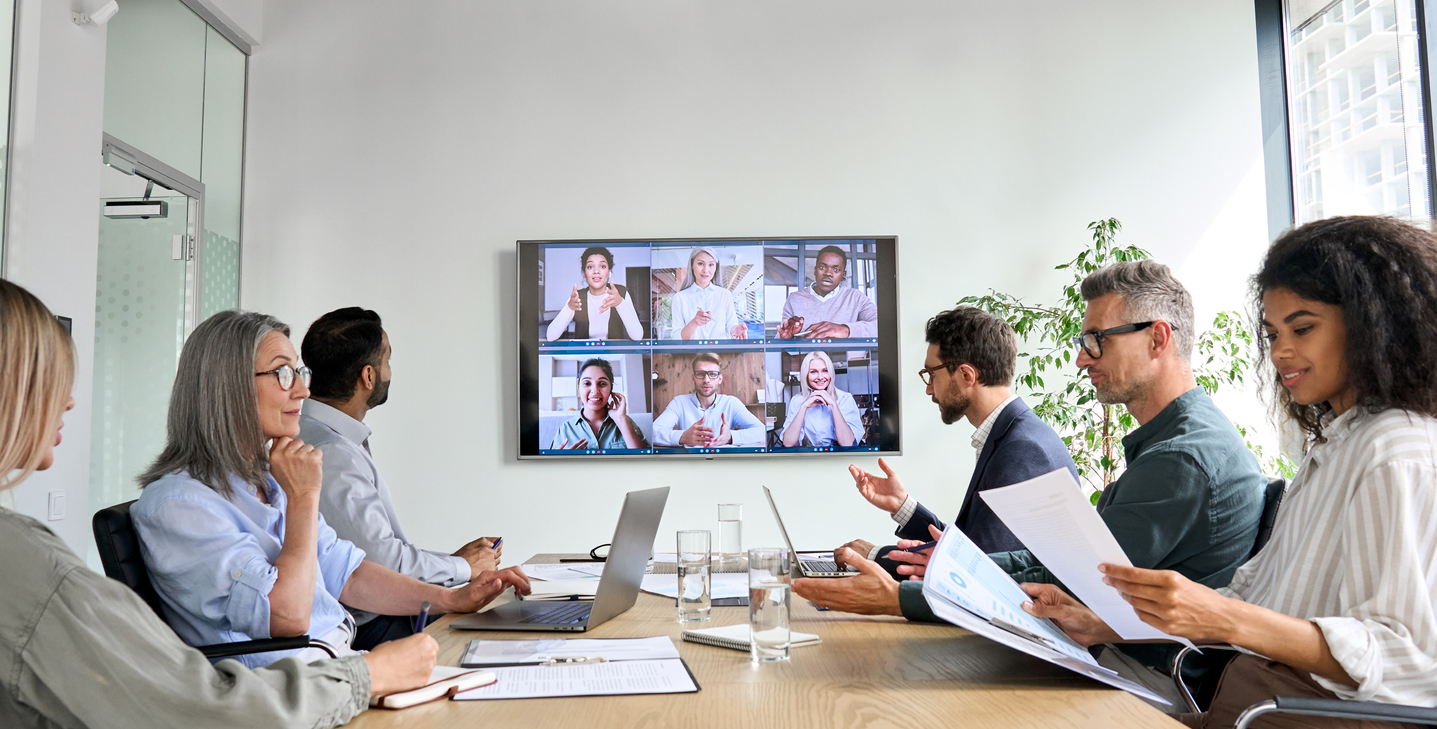
Seamless preparation of installation media is crucial for successful Microsoft Teams Rooms setup. The process involves creating a robust setup that integrates Microsoft Teams devices and a room console to enhance collaboration. Ensuring you’re equipped with proper installation media is a foundational step for effective deployment and configuration of any Teams room.
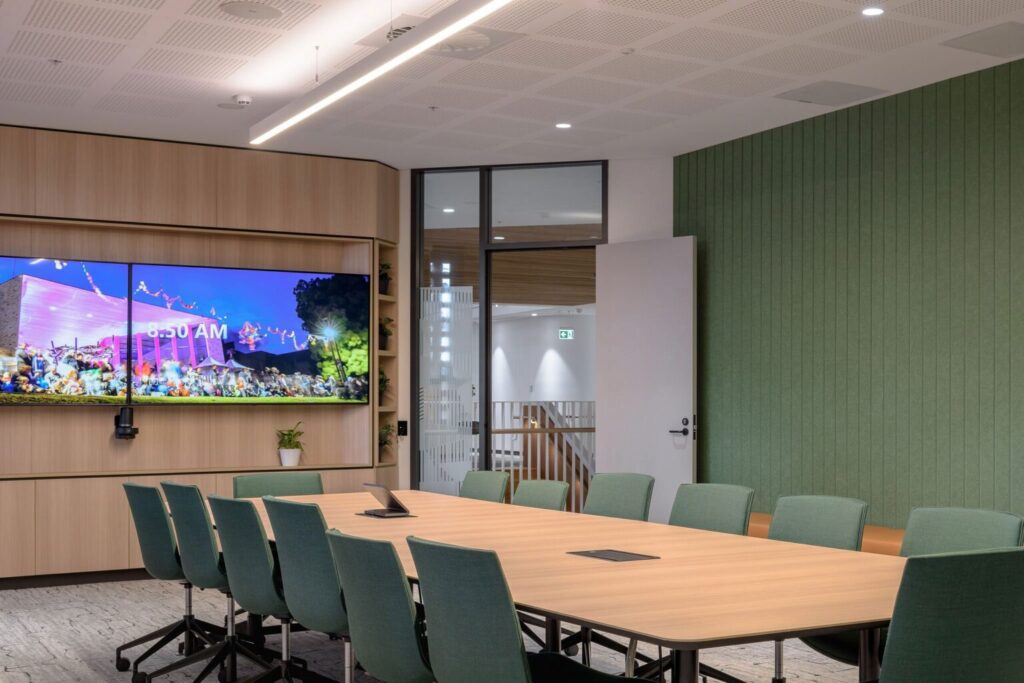
Consider these best practices to enhance your Microsoft Teams Rooms setup process effectively:
- Ensure all software on devices is current to avoid compatibility issues.
- Use high-quality cables to maintain reliable connections between devices.
- Regularly test network connectivity to prevent disruptions during meetings.
- Organize training sessions to familiarize team members with equipment.
- Implement security protocols to protect sensitive communication.
- Design room layouts that encourage collaborative engagement.
- Maintain logs of setup processes for future reference.
These practices enhance the quality and reliability of your Microsoft Teams Rooms experience.
We Provide Services Near Boston, MA
- Chelsea, MA
- Cambridge, MA
- Somerville, MA
- Everett, MA
- Brookline, MA
- Concord, MA
- Revere, MA
- Malden, MA
- Medford, MA
- Lincoln, MA
- Arlington, MA
- Belmont, MA
- Melrose, MA
- Milton, MA
- Quincy, MA
- Newton, MA
- Waltham, MA
- Woburn, MA
- Burlington, MA
- Lexington, MA
- Canton, MA
- Dedham, MA
- Dover, MA
- Needham, MA
- Wellesley, MA
- Acton, MA
- Bedford, MA
- Braintree, MA
- Weymouth, MA
- Peabody, MA
- Wakefield, MA
- Stoneham, MA
- Wilmington, MA
- Reading, MA
- North Reading, MA
- Lynn, MA
- Salem, MA
- Marblehead, MA
- Gloucester, MA
- Ipswich, MA
- Danvers, MA
- Medfield, MA
- Milford, MA
- Natick, MA
- Framingham, MA
- Marlborough, MA
- Hopkinton, MA
- Hudson, MA
- Littleton, MA
- Winthrop, MA
- Watertown, MA
- Sudbury, MA
- Wayland, MA
- Norwood, MA
- Sharon, MA
- Walpole, MA
- Bellingham, MA
- Foxborough, MA
- Rockland, MA
- Scituate, MA
- Norwell, MA
- Hingham, MA
- Holliston, MA
- Millis, MA
- Wenham, MA
- Topsfield, MA
- Rockport, MA
- Lynnfield, MA
- Randolph, MA
- Maynard, MA
- Norfolk, MA
- Medway, MA
- Wrentham, MA
- Somerset, MA
- Saugus, MA
- Amesbury, MA
- Ashland, MA
- Avon, MA
- Boxborough, MA
- Boxford, MA
- Carver, MA
- Clinton, MA
- Cohasset, MA
- Dracut, MA
- Dunstable, MA
- Fitchburg, MA
- Essex, MA
- Gardner, MA
- Georgetown, MA
- Groveland, MA
- Halifax, MA
- Hanover, MA
- Hanson, MA
- Kingston, MA
- Lancaster, MA
- Middleborough, MA
- North Andover, MA
- Northborough, MA
- Plympton, MA
- Northbridge, MA
Efficient Rooms Deployment for Corporate Settings
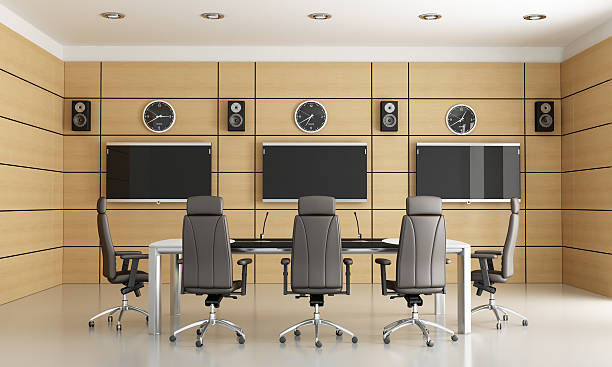
Transition seamlessly to the digital future with efficient rooms deployment tailored for corporate settings. By integrating microsoft teams rooms with advanced teams devices, businesses can experience enhanced communication and collaboration. Our expert rooms installation ensures that each deployment is customized to fit corporate needs, using proven techniques that emphasize both network security and compatibility. Equip your teams room with a robust systems structure to manage daily operations smoothly.
| Aspect | Key Feature | Benefit | Importance |
|---|---|---|---|
| Room Setup | Flexible Layouts | Adapts to different meeting sizes | High |
| Technology | Integrated Display & Audio | Enhances meeting experience | High |
| Network Compatibility | Seamless Connectivity | Ensures reliable and fast data transmission | Critical |
| Security | Advanced Encryption | Protects sensitive information | Essential |
Ensuring network compatibility and robust security measures is crucial for maximizing the potential of Microsoft Teams rooms deployments. A seamless network connection guarantees uninterrupted communication and collaboration, while strong encryption safeguards confidential business information, creating a secure and efficient workspace.
Effective Use of Microsoft Teams in Installed Rooms
Maximizing the effectiveness of Microsoft Teams Rooms starts with strategic room setup and optimal device use. Properly installed rooms provide a seamless user experience, enhancing communication and collaboration in a professional environment. Utilizing key components like room displays, audio systems, and room consoles plays a significant role in successful meetings. With expert installation, Teams Rooms can boost productivity by supporting efficient meetings and ensuring robust system performance.

Building on these insights for a more effective Teams-enabled workspace, consider these additional room layout and user experience tips:
- Position room displays at eye level for comfortable viewing by all participants.
- Ensure all seating arrangements allow direct line of sight to displays.
- Utilize wireless connectivity options for hassle-free device use.
- Ensure cables are neatly managed to avoid clutter and confusion.
- Opt for furniture that supports device charging for added convenience.
- Consider acoustic treatments to enhance sound quality within the space.
- Use collaborative technologies like interactive whiteboards for engagement.
- Arrange for lighting that minimizes screen glare and enhances visibility.
By incorporating these elements, your meeting room will become a hub for seamless collaboration and productivity.