Zoom Room Installation
Zoom Room installation services by Boston Conference Room Audio Video Solutions provide businesses with the advanced infrastructure needed to streamline communication and enhance collaboration. With expertly designed systems, this seamless integration of video conferencing technology ensures a user-friendly experience that boosts productivity and strengthens team connectivity. By implementing a professionally installed Zoom Room, companies can conduct virtual meetings with high-definition video, crystal-clear audio, and interactive features that create an engaging and efficient meeting environment. Trust the specialists at Boston Conference Room Audio Video Solutions to deliver a fully customized, reliable setup tailored to your specific requirements—transforming your conference rooms into dynamic spaces built for both in-person and remote interactions.
Brief Overview
Zoom Room installation services revolutionize business communication by transforming workspaces into seamless, interactive hubs equipped for high-definition video conferencing. Offering custom solutions, these setups ensure optimal audio-visual quality and efficient space utilization, enhancing collaboration across teams. The integration of personal and professional environments via advanced technology enables effective meetings with robust security measures, supporting both in-person and remote interactions. With expert installation tailored to specific business needs, Zoom Rooms provide a scalable, flexible solution for modern enterprises, ensuring productivity and engagement in a dynamic workplace setting.
Key Highlights
- Zoom Rooms transform workspaces, offering seamless communication and collaboration with high-definition video and clear audio.
- Essential tools for installation include high-quality cameras, microphones, and adequate cabling for flawless connectivity.
- Pre-installation checklists are vital to ensure room acoustics, lighting, and IT infrastructure support quality video conferencing.
- Troubleshooting common installation issues involves optimizing network and correctly setting up equipment and software configurations.
- Access to Zoom’s support resources ensures efficient troubleshooting and maximizes video conferencing reliability and performance.
Understanding Zoom Room Basics

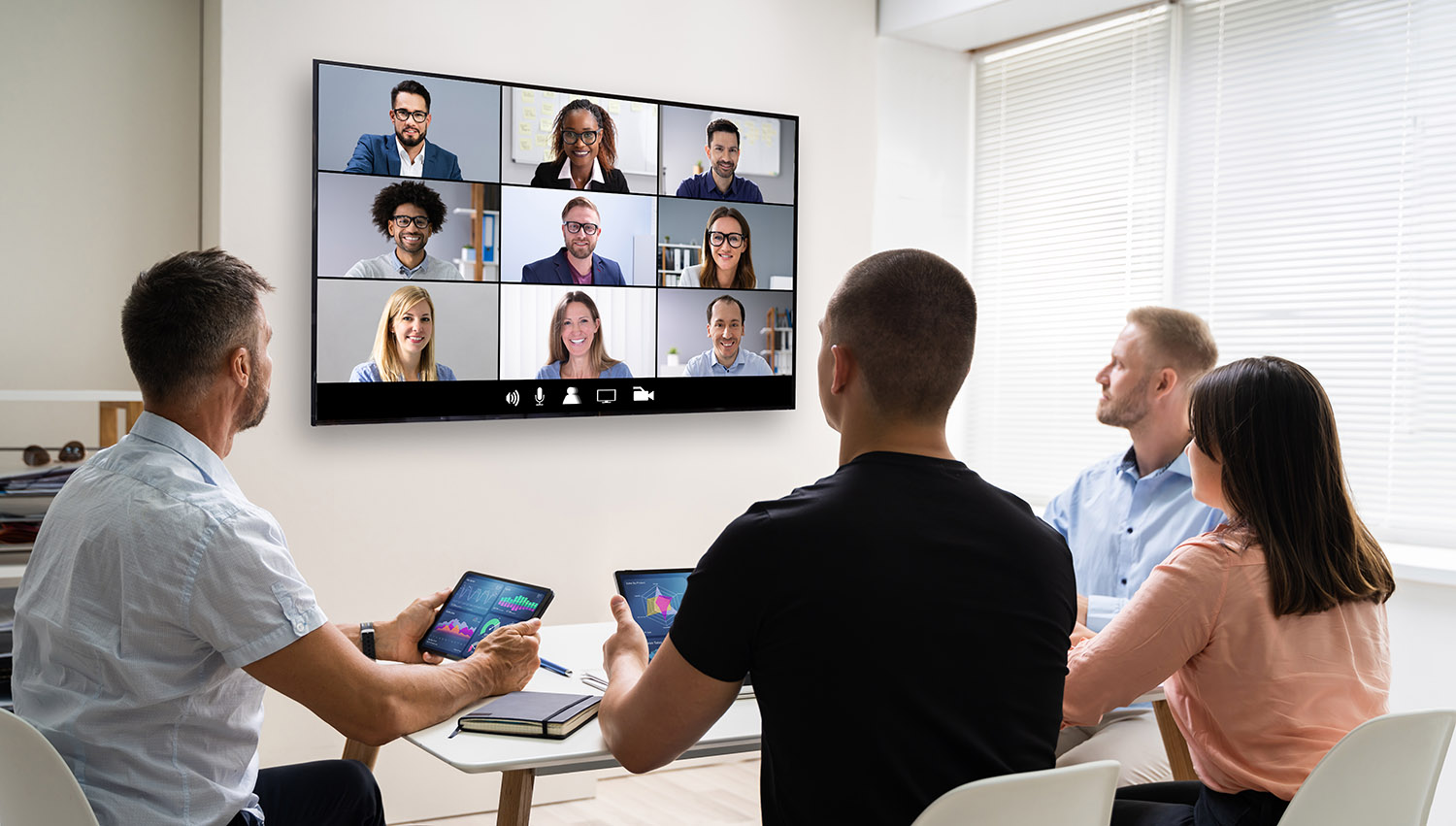
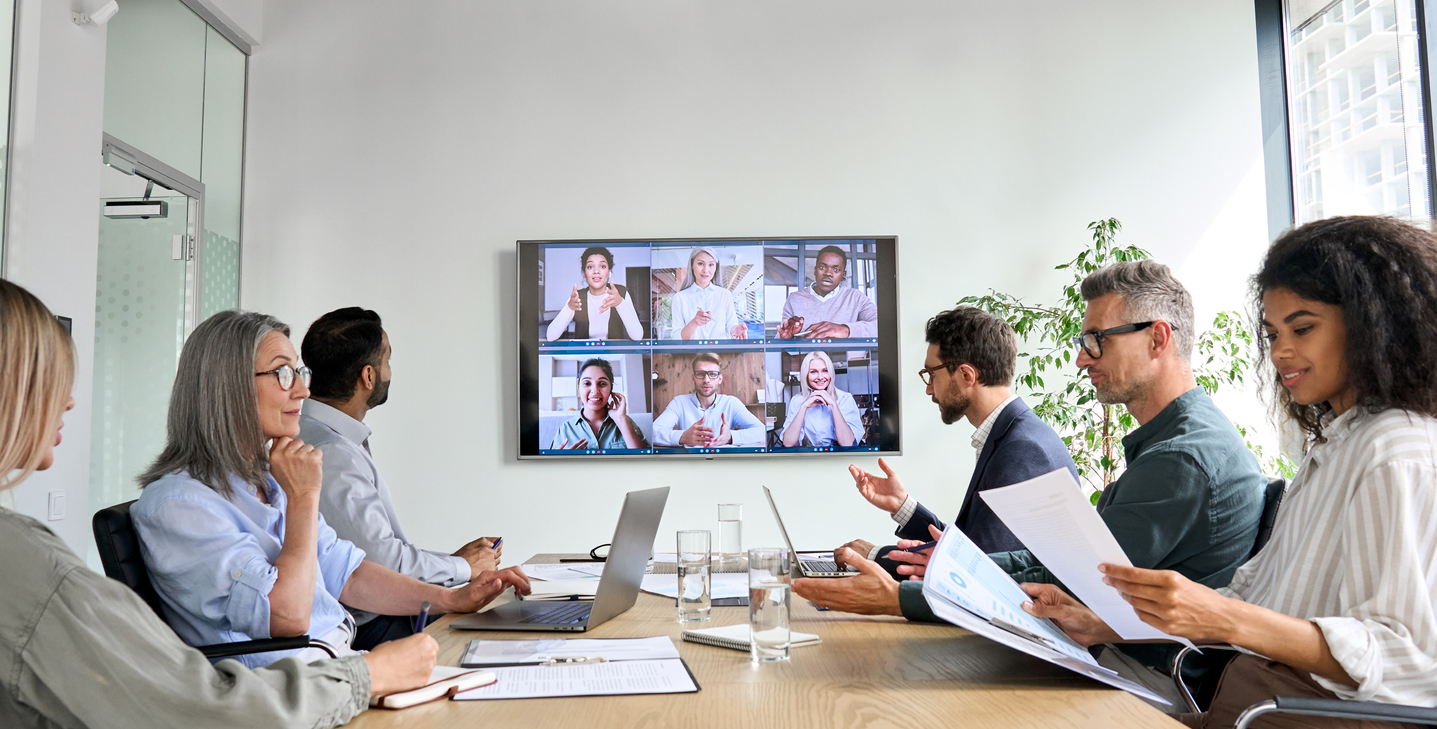
A Zoom Room is a dedicated space equipped with hardware and software solutions to facilitate seamless video conferencing and collaboration. It’s more than just a tool for virtual meetings; it represents an integrated system that combines video, audio, and screen-sharing capabilities to create an immersive experience. Delving into the essence of Zoom Rooms involves understanding their unique components and the benefits they bring to modern workplaces. By exploring what a Zoom Room truly entails and the extensive advantages of its integration, you will gain a deeper appreciation of how this technology can transform business communications.
| Component/Feature | Description | Benefits to Business |
|---|---|---|
| Video Conferencing | High-definition video communication platform. | Enhances remote communication and collaboration. |
| Screen Sharing | Allows participants to share their screens in real-time. | Facilitates presentations and makes information sharing seamless. |
| Integration | Compatibility with calendars and communication tools. | Streamlines scheduling and improves workflow efficiency. |
| Audio Options | Includes high-quality audio and supports different microphones. | Improves meeting clarity and engagement. |
| Room Scheduling | Digital booking and management of meeting spaces. | Optimizes room usage and reduces scheduling conflicts. |
This table highlights the essential components and features of Zoom Rooms, providing insights into their benefits within business environments.
Comprehensive AV Services in Boston, MA
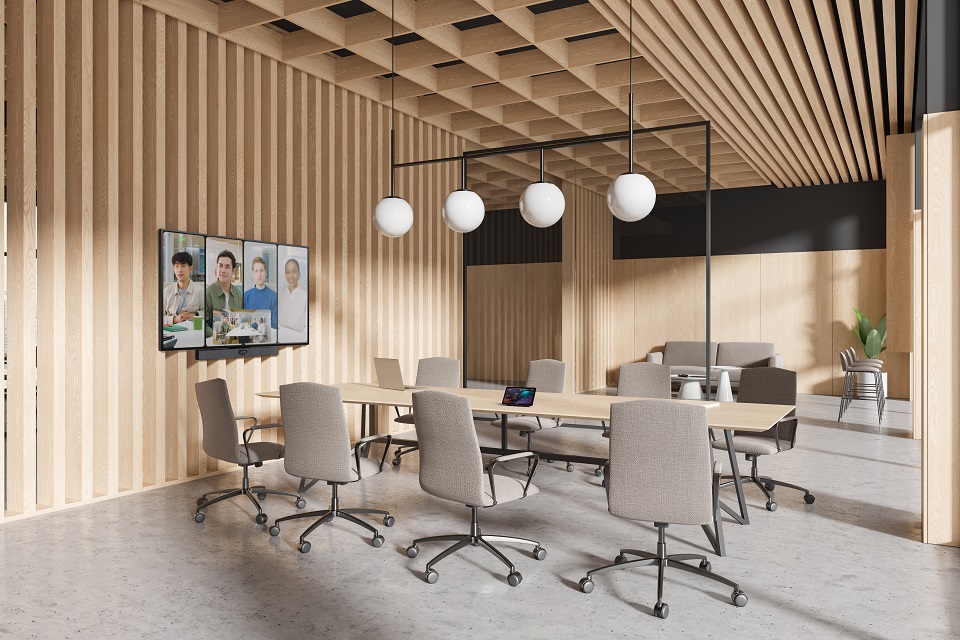
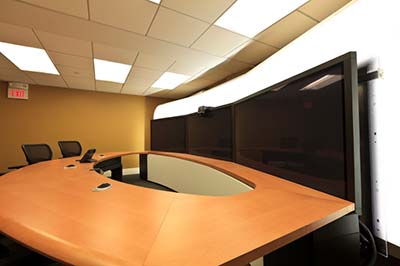

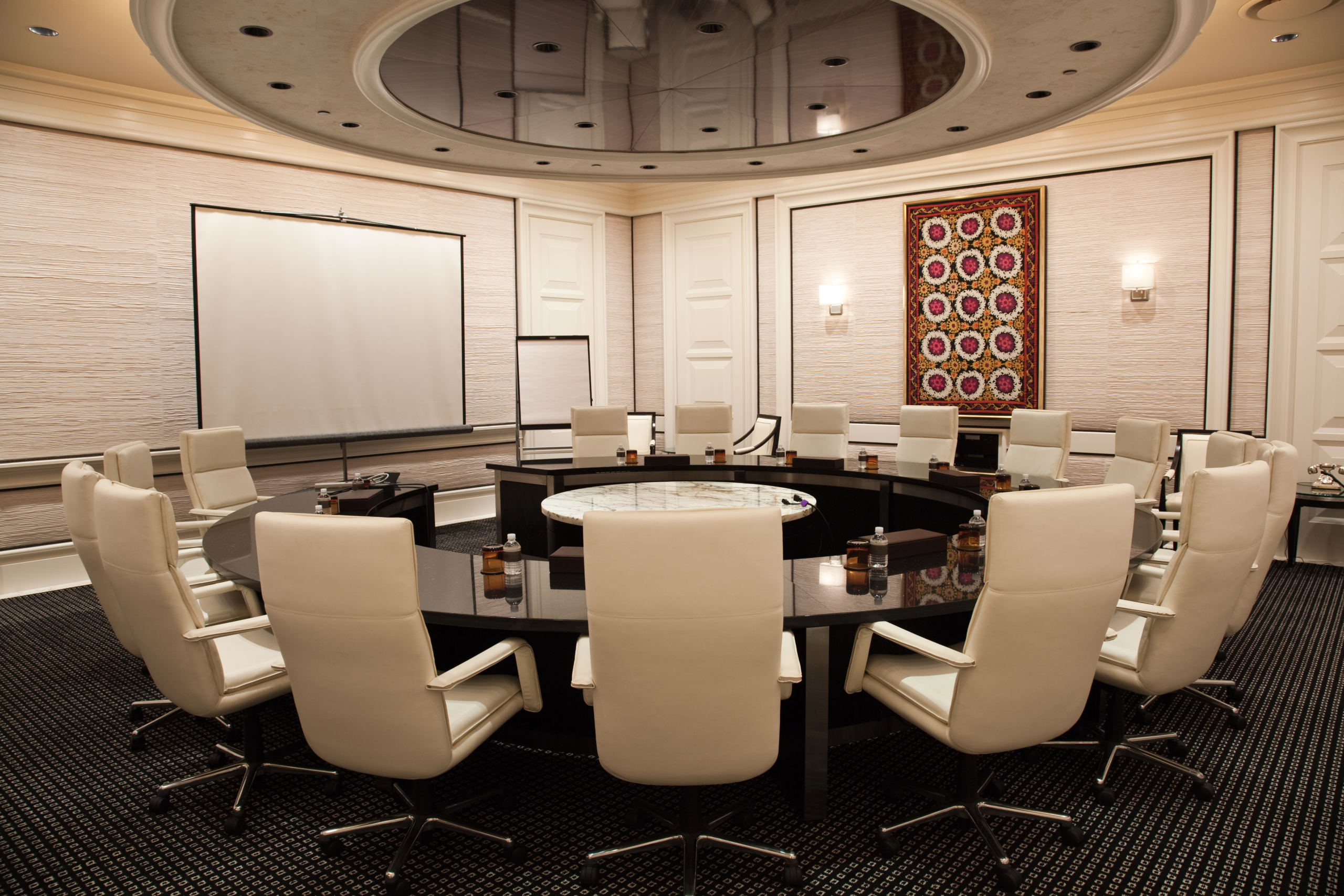
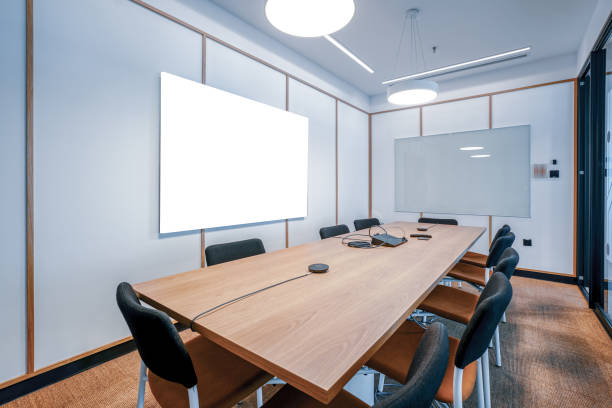
Preparing for Zoom Room Installation
Setting up a Zoom Room requires careful preparation to ensure a seamless integration into your business environment. It’s essential to gather the right tools and supplies for a successful room installation. Understanding the necessary components and following a comprehensive pre-installation checklist can prevent potential disruptions. Focusing on the essential aspects, such as room setup and configuring devices, will not only enhance video quality but also optimize your conference room for efficient meetings. By preparing effectively, you can ensure that your Zoom Room installation meets your organization’s video conferencing needs.
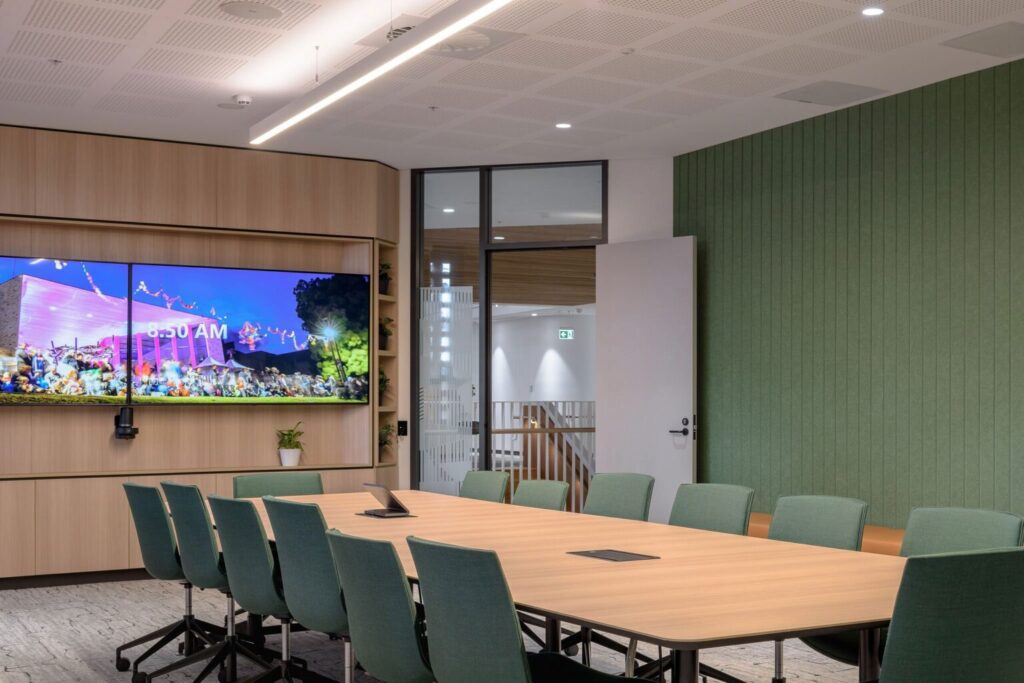
Enhancing your Zoom Room installation involves considering these additional recommendations:
- Select ergonomic furniture for comfort during long meetings.
- Use soundproofing materials to improve audio quality and minimize distractions.
- Install adjustable lighting for optimal visibility in varying room conditions.
- Keep spare parts for core devices to address potential failures swiftly.
- Organize cables neatly to maintain a professional room appearance.
- Implement secure access controls for data protection.
Ensuring these elements will provide a robust environment for effective meetings.
| Key Tool/Supply | Purpose in Installation | Installation Benefits |
|---|---|---|
| Zoom Room Controller | Control and manage the Zoom conferencing sessions | Provides intuitive control over meetings, making it easy to start, stop, and adjust settings |
| HD Webcam | Capture high-quality video for all participants | Ensures clear video communication by delivering sharp image quality |
| Microphone Array | Capture clear audio from all areas of the room | Enhances audio clarity and reduces echoes or background noise |
| Speakers | Deliver crisp audio for all participants | Improves the audio experience by providing clear sound output |
| Display Screen | Show meeting content and participants’ video feeds | Enables all participants to view content clearly, improving collaboration |
We Provide Services Near Boston, MA
- Chelsea, MA
- Cambridge, MA
- Somerville, MA
- Everett, MA
- Brookline, MA
- Concord, MA
- Revere, MA
- Malden, MA
- Medford, MA
- Lincoln, MA
- Arlington, MA
- Belmont, MA
- Melrose, MA
- Milton, MA
- Quincy, MA
- Newton, MA
- Waltham, MA
- Woburn, MA
- Burlington, MA
- Lexington, MA
- Canton, MA
- Dedham, MA
- Dover, MA
- Needham, MA
- Wellesley, MA
- Acton, MA
- Bedford, MA
- Braintree, MA
- Weymouth, MA
- Peabody, MA
- Wakefield, MA
- Stoneham, MA
- Wilmington, MA
- Reading, MA
- North Reading, MA
- Lynn, MA
- Salem, MA
- Marblehead, MA
- Gloucester, MA
- Ipswich, MA
- Danvers, MA
- Medfield, MA
- Milford, MA
- Natick, MA
- Framingham, MA
- Marlborough, MA
- Hopkinton, MA
- Hudson, MA
- Littleton, MA
- Winthrop, MA
- Watertown, MA
- Sudbury, MA
- Wayland, MA
- Norwood, MA
- Sharon, MA
- Walpole, MA
- Bellingham, MA
- Foxborough, MA
- Rockland, MA
- Scituate, MA
- Norwell, MA
- Hingham, MA
- Holliston, MA
- Millis, MA
- Wenham, MA
- Topsfield, MA
- Rockport, MA
- Lynnfield, MA
- Randolph, MA
- Maynard, MA
- Norfolk, MA
- Medway, MA
- Wrentham, MA
- Somerset, MA
- Saugus, MA
- Amesbury, MA
- Ashland, MA
- Avon, MA
- Boxborough, MA
- Boxford, MA
- Carver, MA
- Clinton, MA
- Cohasset, MA
- Dracut, MA
- Dunstable, MA
- Fitchburg, MA
- Essex, MA
- Gardner, MA
- Georgetown, MA
- Groveland, MA
- Halifax, MA
- Hanover, MA
- Hanson, MA
- Kingston, MA
- Lancaster, MA
- Middleborough, MA
- North Andover, MA
- Northborough, MA
- Plympton, MA
- Northbridge, MA
Step-by-Step Guide to Zoom Room Installation
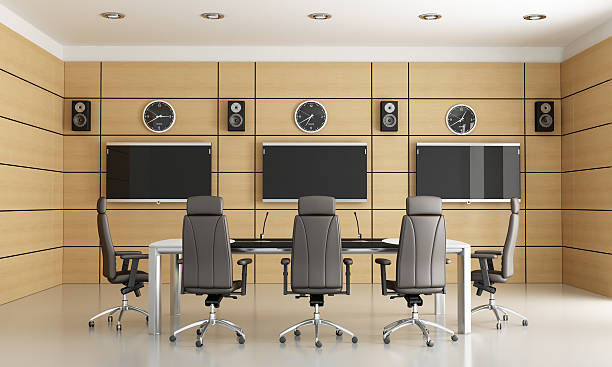
Creating an effective Zoom Room requires a precise approach to installation and setup. This guide covers the essentials of installing hardware and configuring software, focusing on achieving optimal performance. By following a structured process, you can transform any conference room into a state-of-the-art video conferencing hub. From selecting the right equipment to fine-tuning software settings, each step is vital in ensuring seamless communication and collaboration in modern workplaces.
Consider these practical tips to refine the setup of your Zoom Room, ensuring peak performance and ease of use:
- Choose cameras with wide-angle lenses for comprehensive room coverage.
- Incorporate acoustic panels to minimize echo and improve sound quality.
- Use wireless microphones to maintain a tidy and flexible setup.
- Install dimmable LED lights to adapt lighting conditions for different times of day.
- Secure all devices to prevent accidental disconnects during meetings.
- Test the system regularly to identify and resolve potential issues early.
- Keep spare components handy to swiftly replace any faulty equipment.
Implementing these strategies can significantly enhance your Zoom Room experience, making every meeting seamless and professional.
Troubleshooting and Support
Troubleshooting installation issues and accessing reliable support are crucial for the successful deployment of Zoom Rooms. Having a robust support system can alleviate common problems faced during room installation. In this section, we’ll delve into the typical issues you might encounter while setting up Zoom Rooms and explore available support resources. These insights can empower you to tackle challenges efficiently, ensuring your conferencing setup remains seamless and effective.